

CartMotion
Make Add to cart feel like something happened
Coming soon
Overview
CartMotion flies the product's own photo into your cart icon, nudges the cart, and confirms on the button — on the theme you already use. It never performs the add itself and never alters what the theme sends: it waits for a successful add, then animates. A failed or sold-out add shows nothing.
How it works
- 01
Install and switch it on
One toggle in the theme editor. App embeds are off until a merchant turns them on.
- 02
A shopper adds a product
The theme does the adding, exactly as before — CartMotion never performs the add itself.
- 03
CartMotion reacts
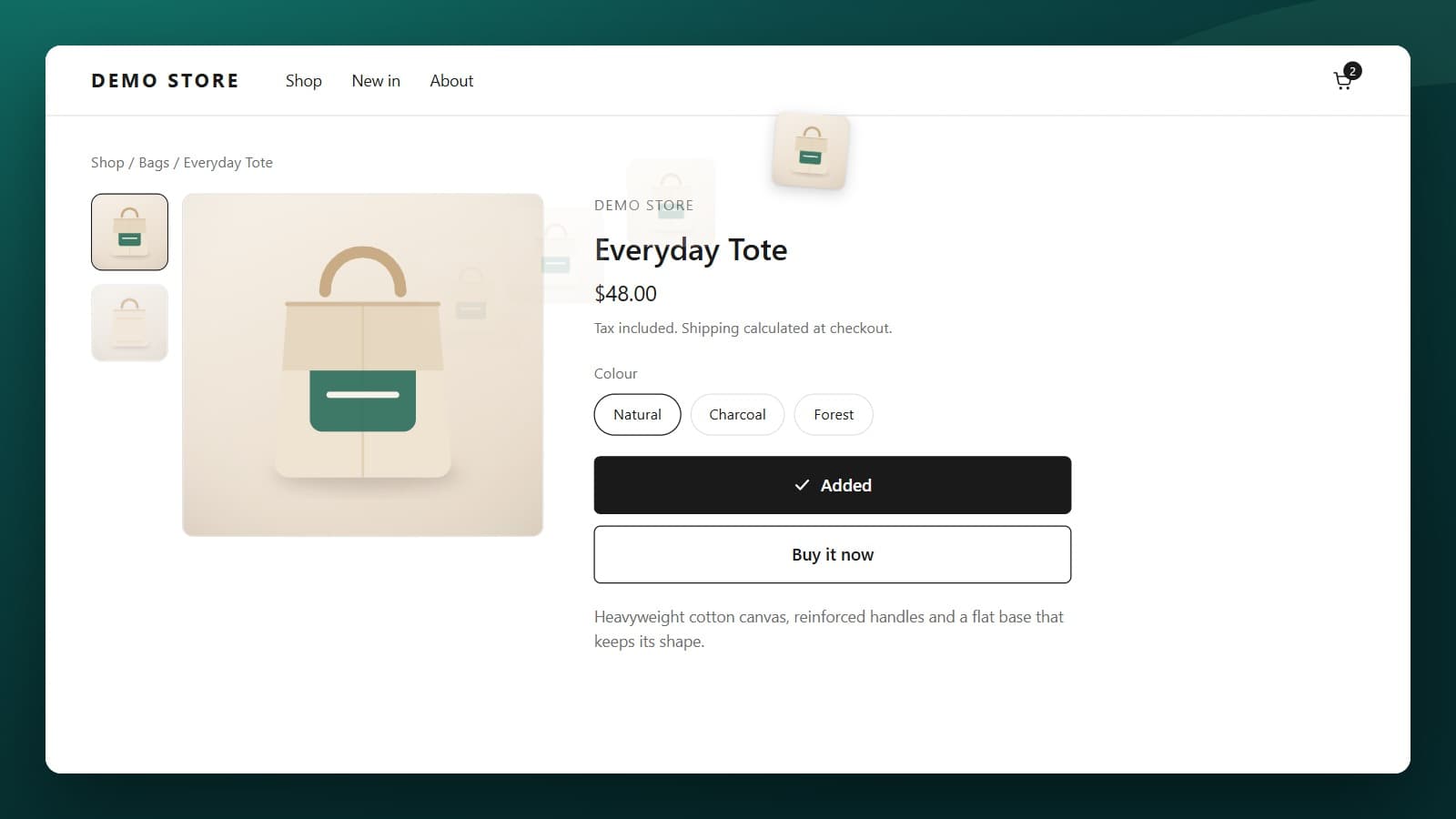
The product's photo flies to the cart icon, the icon nudges, the button confirms, and a short message appears.
Features
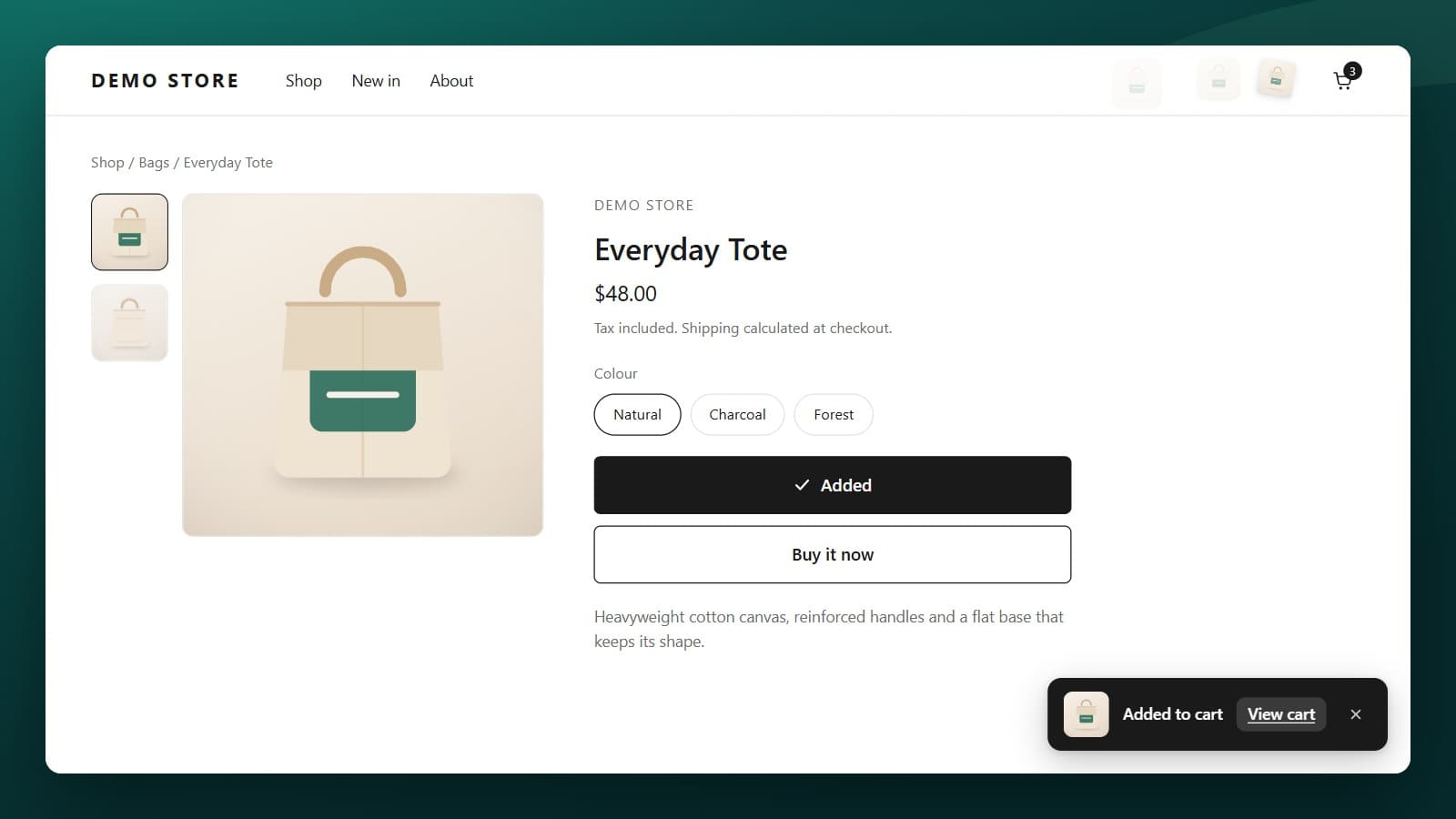
Confirmed on the cart, on the button, and in words
The product's photo arcs into the cart icon and the icon nudges as it lands. The Add to cart button marks itself done. A short message offers the cart, for anyone who missed the movement.
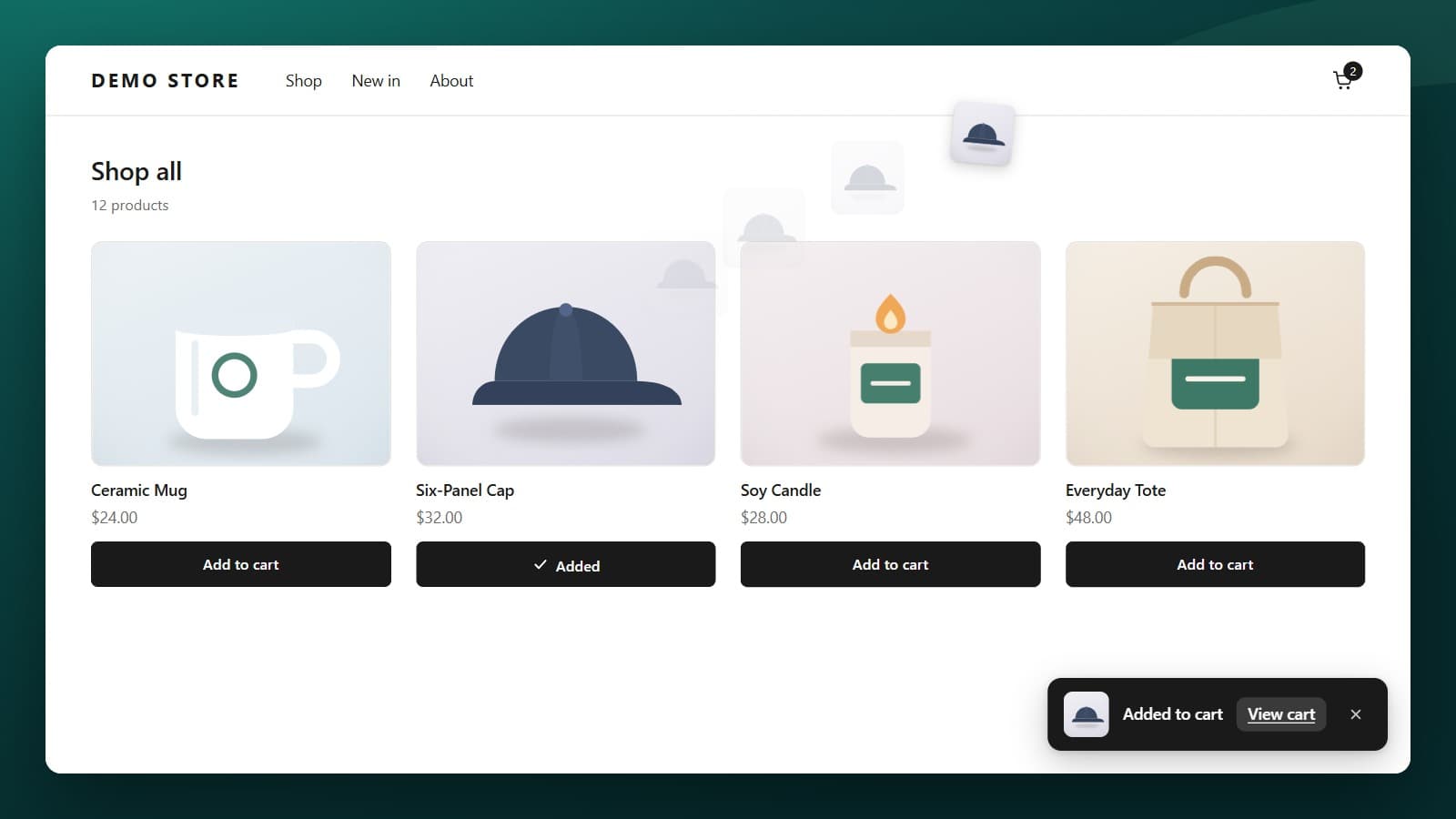
Product pages, collection grids, quick add
CartMotion watches for a successful add wherever it happens, so quick add on a collection page gets the same treatment as the product page. Your theme keeps performing the add, unchanged.
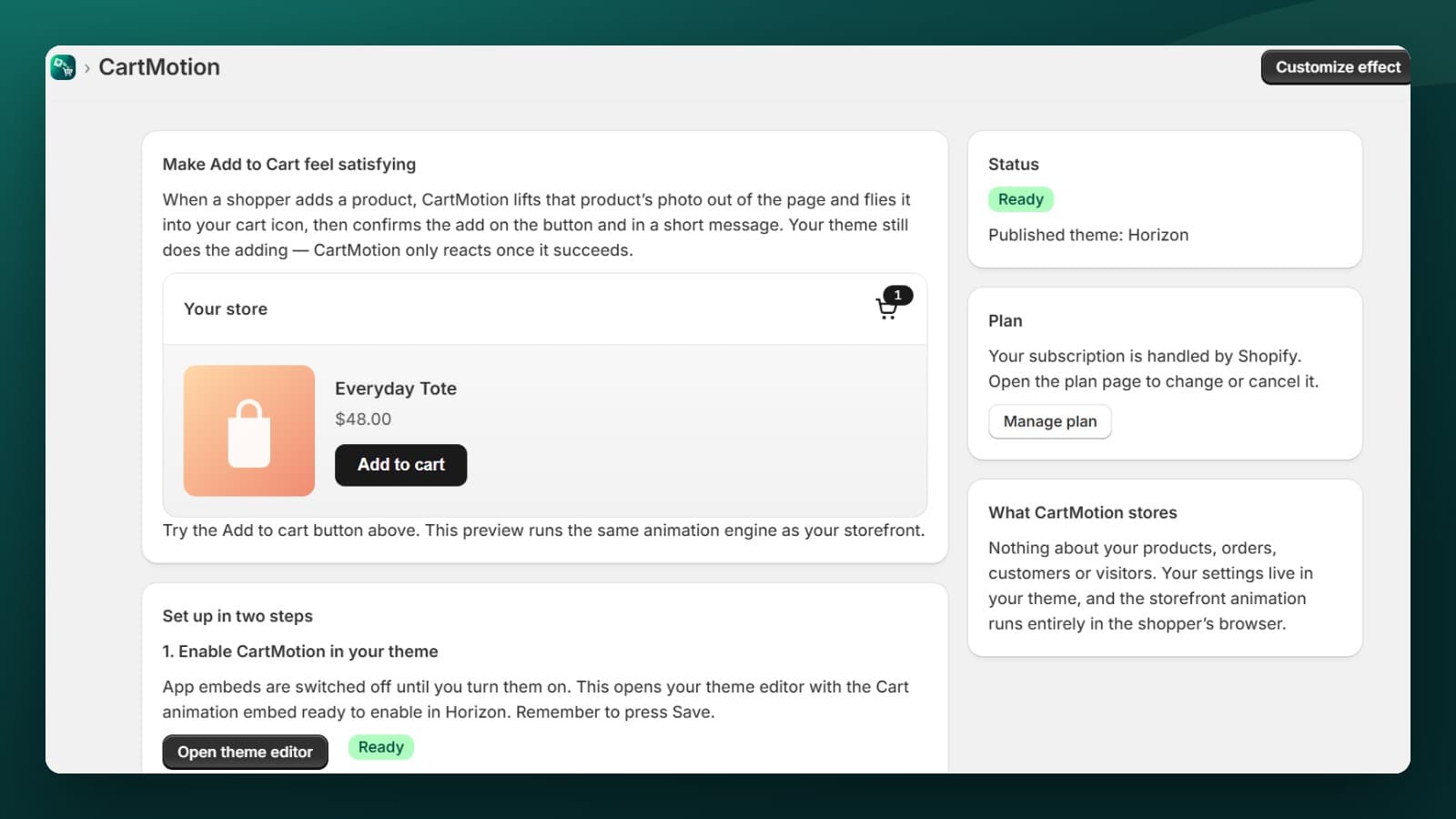
One toggle, no code
CartMotion ships as a theme app extension. Switch on the app embed and it works — nothing is pasted into your theme, and nothing is left behind when you remove it.

Tune it in the theme editor, with the preview beside you
Animation style, duration, flying image size, arc height and fade. Cart icon effect, the confirmation message, its position, accent colour, and the button text — all next to the app embed toggle.
Screenshots
Pricing
Standard
$1.99 / mo
No usage limits
7-day trial
Plans differ by catalog size only. Every plan includes the full feature set.
Frequently asked questions
- Will it slow my store down?
- The storefront runtime is about 13 KB gzipped, served by Shopify's CDN. Its CSS is overlay-only, so it never moves the page and contributes no layout shift.
- Do I have to edit my theme?
- No. CartMotion is a theme app extension — turn on an app embed in the theme editor. No code is pasted in, and removing the app leaves nothing behind.
- My theme already animates add to cart. What happens?
- Shopify's newer themes ship their own fly-to-cart, switched on by default. CartMotion detects it and does not add a second flying image; you still get the cart nudge, the button confirmation and the message.
- Does it collect anything about my shoppers?
- No. The animation runs in the shopper's browser and sends no requests of its own. The app requests a single permission, read_themes, used only to check whether the app embed is switched on.
- Is it accessible?
- The flying image is decorative and hidden from screen readers; the confirmation is announced in text. If a shopper's system asks for reduced motion, nothing moves.
Support
Questions about CartMotion? Reach out through the Shopify App Store listing.